This article outlines all of the features or updates made to the platform to improve accessibility for the 2025 calendar year.
TABLE OF CONTENTS
Features and Updates
Page Steppers
Update the tab index to improve the keyboard tab functionality and add the navigation role to page steppers.

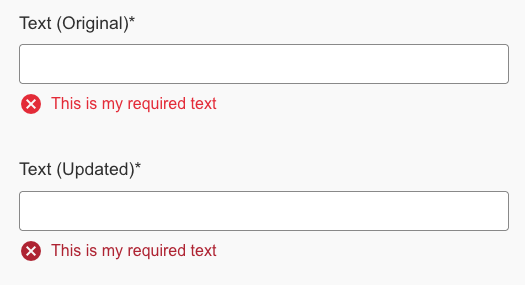
Form Contrast Updates
Modification of the input box background colour and validation error text colour to increase the contrast ratio when shown in a repeatable set.
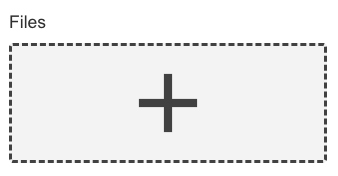
Files Add Button
Enhancement to ensure that screen readers read the label and hint text of the files element when focused, to ensure users are able to discern the required files to upload.
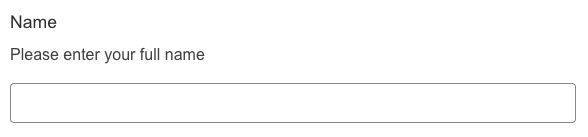
Hints below the label
Ensure that when hints are displayed below the element label that screen readers read the content of the hint.
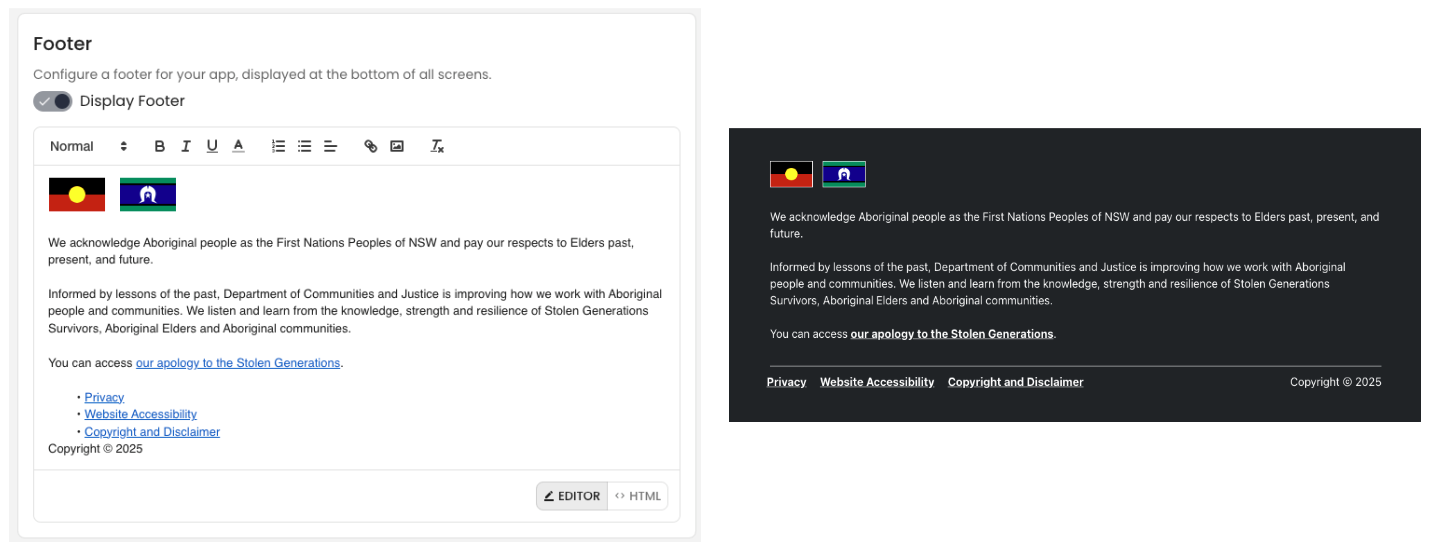
App Headers and Footers
The addition of new App Header and Footer features ensures that headers and footers can be added to forms and apps in an accessible way. These respect the tab order and can include links out to different URLs.
Validation Icons
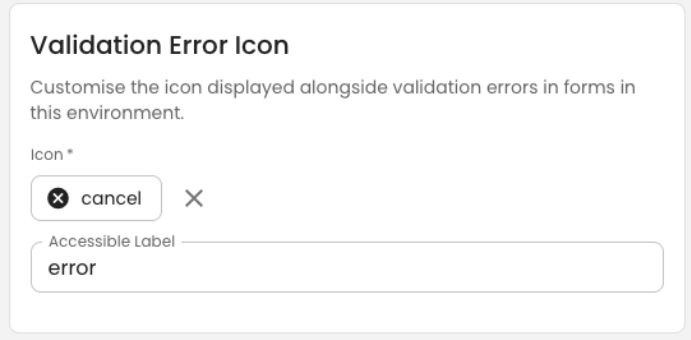
Environments can be configured with Validation icons and an accessible label to ensure that the desired icon is shown and read when form elements are in error.
Required Elements
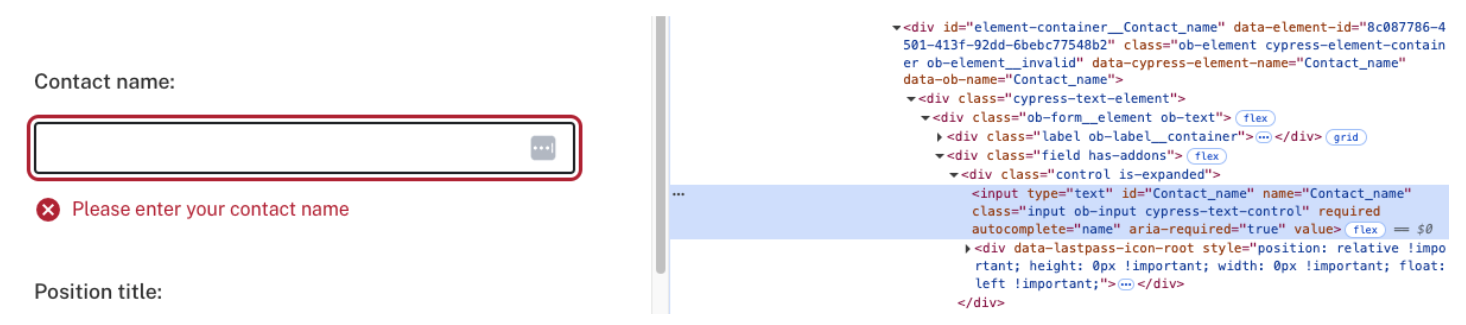
Add aria-required="true" to elements when they are configured to be required.
Modal Background
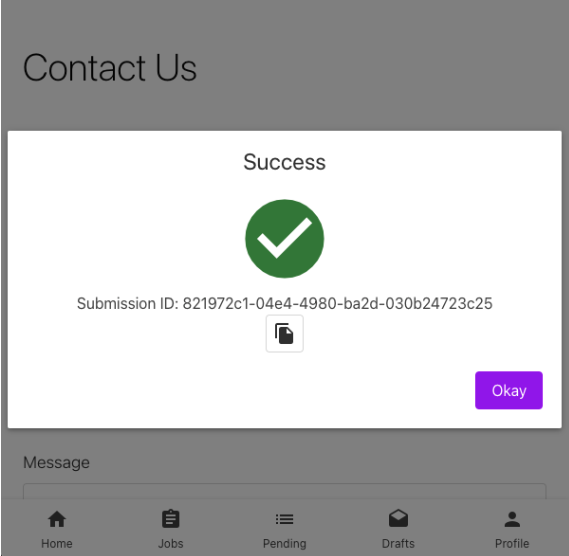
Darkening the background behind the modal when it is displayed to improve the contrast.
Invisible reCAPTCHA
Supporting Google's invisible reCAPTCHA element to avoid users having to complete an additional checkbox when submitting the form.
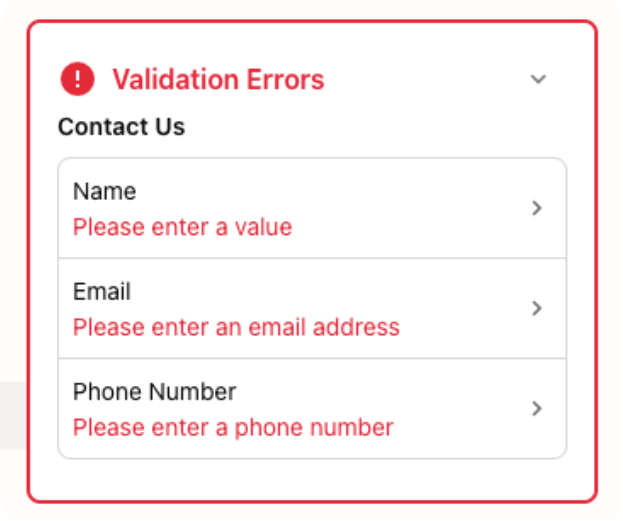
Validation Toast Pop-up
Adding a Validation pop-up that highlights all elements with validation issues and allows the form user to automatically navigate to those elements to rectify the issue.
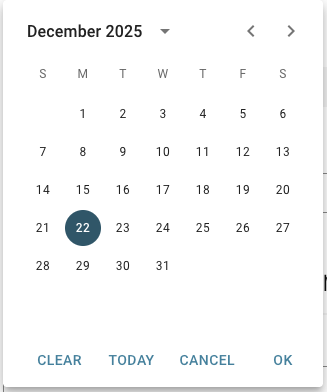
Date and Time Picker
Updates to the Date and Time pickers to ensure that they were drivable using only the keyboard.
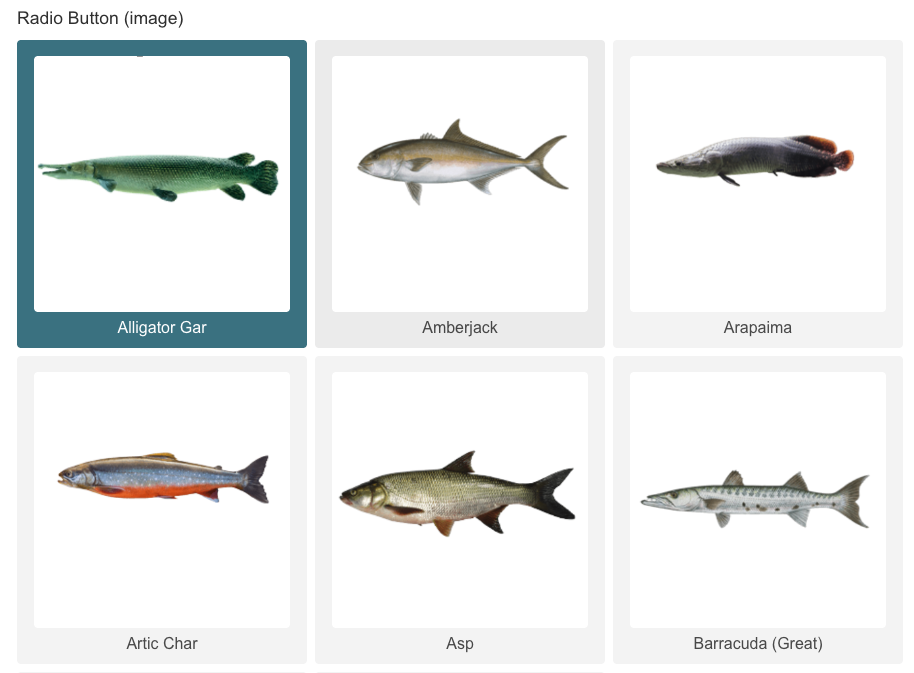
List Images
Update to List feature when the List item includes an image, to ensure the images are captured as decorative.
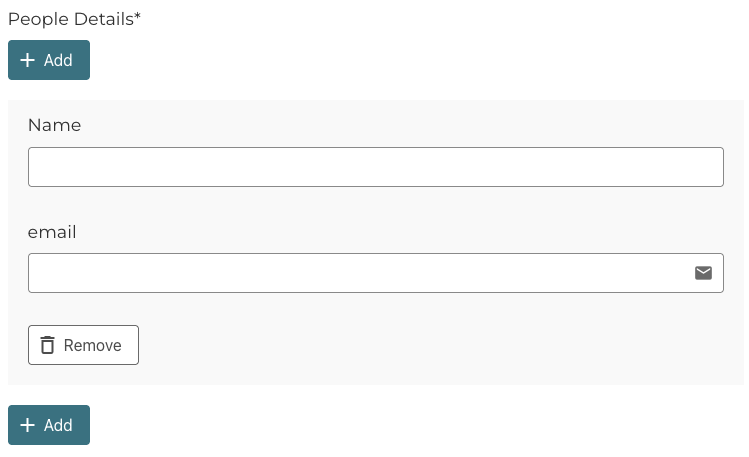
Repeatable Sets
Added a new type of repeatable set that allows for a more accessible experience. Now adding multiple add buttons and not immediately moving the user's focus into the repeatable set or onto the delete button.
Autocomplete Attributes
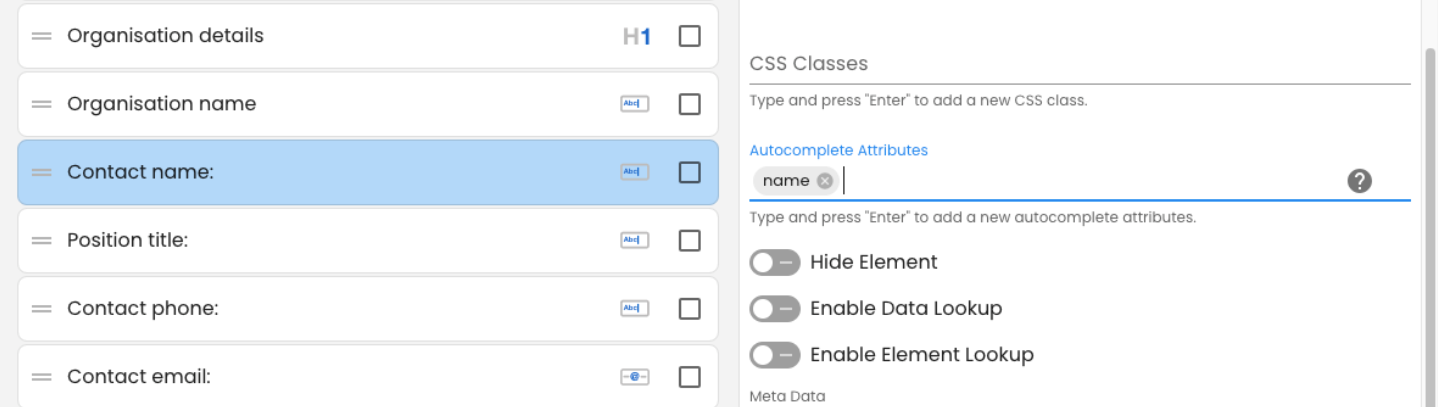
Included Autocomplete Attributes for form elements to allow browsers and assistive technologies to easily prepopulate content on the form with the correct information.
Approval Notification Notes
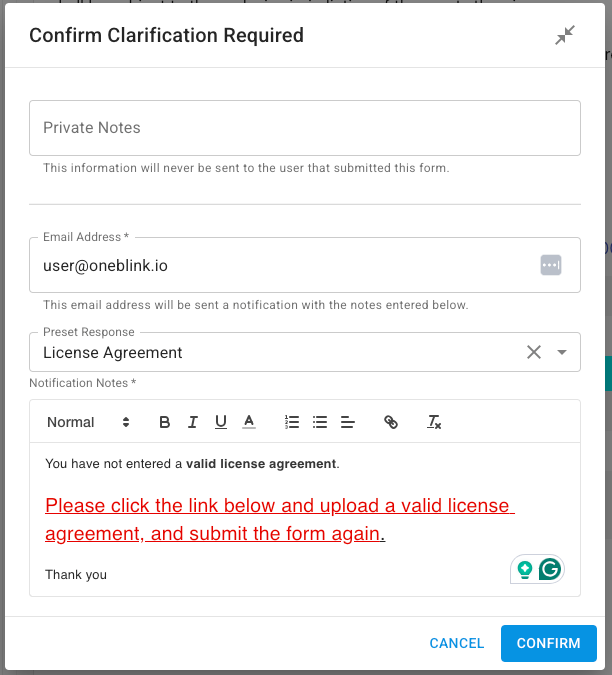
Allow approvers to use the WYSIWYG for notes back to users, allowing the approvers to underline, bold, or change the font size and colour of different content within the email body.
Section State
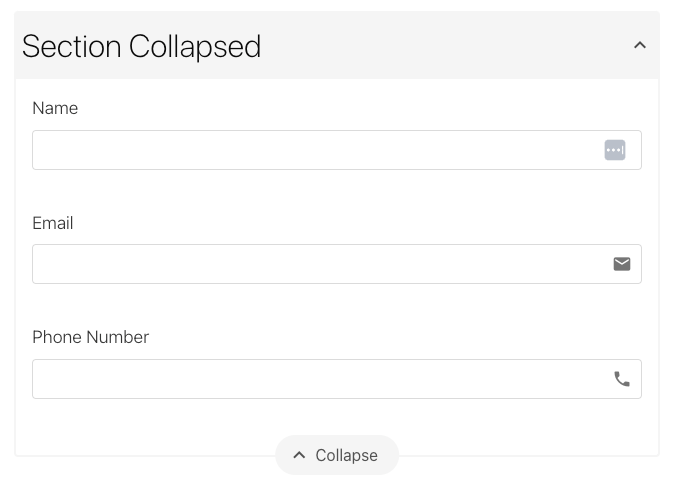
We ensure that we capture the state of the section elements. Meaning if the user collapsed or expanded a section, then the form will remember this and ensure that when the form is re-opened from a draft or autosave data that the section's state of collapsed or expanded is maintained.
Contact Us
If you find any accessibility issues, please reach out to support@oneblink.io and include any details about the accessibility issue so that it can be addressed.
Was this article helpful?
That’s Great!
Thank you for your feedback
Sorry! We couldn't be helpful
Thank you for your feedback
Feedback sent
We appreciate your effort and will try to fix the article